
Roblox: your questions, our answers
New to Roblox, for yourself or for your child? Here are the short answers. The full guides are waiting for you just below.

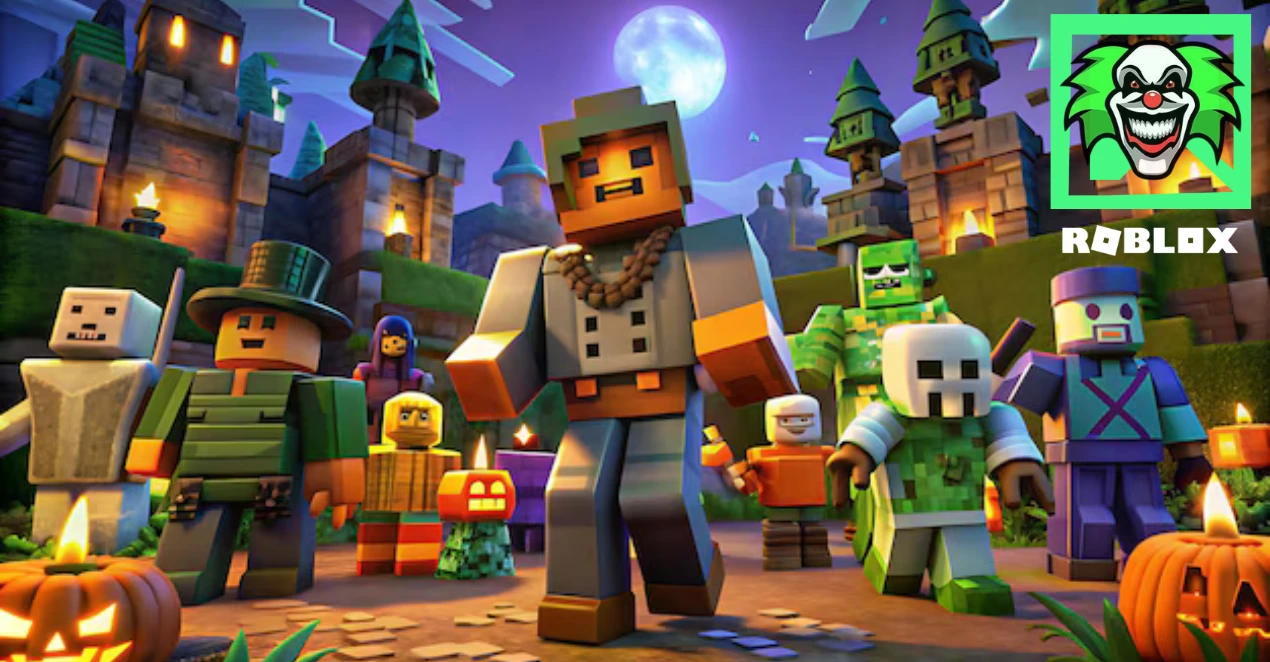
Welcome to FlashLand, the Spirit community's Roblox guides
Guides written by players, for players. Just installed Roblox, want to keep your account safe, or unsure about a Robux offer that looks too good to be true? Pick the guide that fits your situation, follow the steps one by one, then start playing with peace of mind.
What is FlashLand?
FlashLand is the guide site of the Spirit community, a Spirit RP project. Here we gather answers to the questions new players ask: how to get started, which settings to change, which traps to avoid. FlashLand is an independent fan site: it is neither run nor endorsed by Roblox Corporation.
What you'll find on FlashLand
- Step-by-step guides: every step is explained simply, from creating your account to your first game with friends.
- Practical safety advice: 2-Step Verification, privacy settings, parental controls and anti-scam habits.
- Links to Roblox's official pages, so the right source is always at hand.
Our guides, by topic
Each guide answers one specific question. Start with the one that speaks to you most, then move on to the next.
Getting started on Roblox
Creating your account, installing Roblox from the official site or your device's app store, choosing your first games, dressing up your avatar and meeting up with your friends: it's all in our getting started guide.
Protecting your account
A stolen account means lost items and lost memories. Our 10 secret tips walk you through the settings that keep your account in your hands, in just a few minutes.
Robux and purchases without scams
Where to buy Robux safely, how to redeem a gift card, how to spot a fake promise of free Robux: the Robux guide covers it all.
For new players and parents alike
The guides start from scratch: every technical word is explained and every setting is described menu by menu.
Are you a parent? The sections on parental controls, spending and chat will help you choose the right settings with your child, without banning everything.
How do I join the Spirit community?
Can't find your answer in a guide? Ask the Spirit community directly. Here's how:
- Have a Roblox account: you can create one for free on roblox.com.
- Click one of the Discord buttons on this page to reach the community's Discord.
- To play with other members, check out the Spirit private server on spirit-roblox.com.
Are the FlashLand guides free?
Yes. All the guides can be read for free, with no account and no sign-up. The site shows ads to cover its costs.
Is FlashLand an official Roblox site?
No. FlashLand is an independent fan site, not affiliated with Roblox Corporation. For anything to do with your account, your payments or a penalty, the only authoritative source is roblox.com and its Help Center.
Are these guides suitable for children?
Yes, they're written to be understood by children and adults alike. For younger children, we recommend reading them with a parent, especially the parts about purchases and online chat.
Which devices can you play Roblox on?
Roblox runs on Windows and Mac computers, Android phones and tablets, iPhone and iPad, Xbox and PlayStation consoles, and Meta Quest headsets. The same account works everywhere. As for our guides, they read just as well on a phone as on a computer.
Our golden rule: safety first
No one at FlashLand or in the Spirit community will ever ask you for your password, a verification code or a payment in gift cards. If someone does so using our name, it's a scam: block them and report them.
After the guides: the Spirit community
A guide answers common questions, but nothing beats a player who has already run into your problem. On the Spirit community Discord, you can ask for help, suggest a topic for a guide or find people to play with.
And if you're looking for a French-speaking private Roblox server to play with other members, everything is on the Spirit server's website: spirit-roblox.com.
Pick your first guide, and see you soon on Discord!

-
 Official resource
Creator Hub
-
Topics
Getting started & safety
-
Guides
In English
GOT A QUESTION? ASK THE COMMUNITY
The video shows how to install Roblox on a computer. For everything else, ask your questions on the Spirit community Discord.
Join the DiscordInstall Roblox step by step 
Roblox is free to download and install. Always use the official site or your device's app store: other sources can hide a virus.
Ask for help
STEP 1
- Open the official site and create your Roblox account. You'll be asked for your date of birth, a username and a password. It's free.
STEP 2
- Download Roblox from the official page, or from the app store on your phone, tablet or console, then log in.
STEP 3
- Turn on 2-Step Verification right away, then launch your first game. The same account works on all your devices.